
Introduction
What Is an AI Automation Assessment Template?
An AI automation assessment template is a short worksheet for checking whether one business process suits automation before hiring a provider. The sheet covers volume, time, mistakes, tools, data, approvals, and blockers. Each answer gets a rating. Treat the finished sheet as a first check.

A company-wide AI readiness checklist asks a bigger question. Data Prism's readiness scorecard rates a whole business on six pillars. The assessment template stays narrow and checks one automation workflow at a time.
Step 1: Choose One Process and Mark Its Start and Finish
Step 2: Collect the Basic Information
Step 3: Run the Workflow Automation Assessment
Knowing how to assess a workflow for automation comes down to four checks, plus one decision about whether you need AI at all. Rate the workflow on benefit, consistency, data readiness, and human review. A weak score flags a gap to fix before any build.
Estimate the Benefit
Estimate the benefit by multiplying tasks per month by minutes per task, then dividing by 60 for monthly hours. The result shows the hours spent today, before any time saved. A free cost estimator puts a rough build price next to the hours.
Check How Consistent the Process Is
A process with the same steps every time suits automation. Judgment calls and frequent exceptions push a task toward a person, so count the cases breaking the usual pattern. AI fits the steps a rules engine can't parse.
Check Data and Tool Access
Automation only works on data a tool can reach. Check whether each system allows exports, and name the person who grants access. Quality matters too, since leaders in a 2025 Salesforce vendor survey estimated 26% of organizational data is untrustworthy.
To test quality, the free data quality tool rates a sample file on completeness, uniqueness, validity, and consistency.
Mark Steps a Person Must Approve
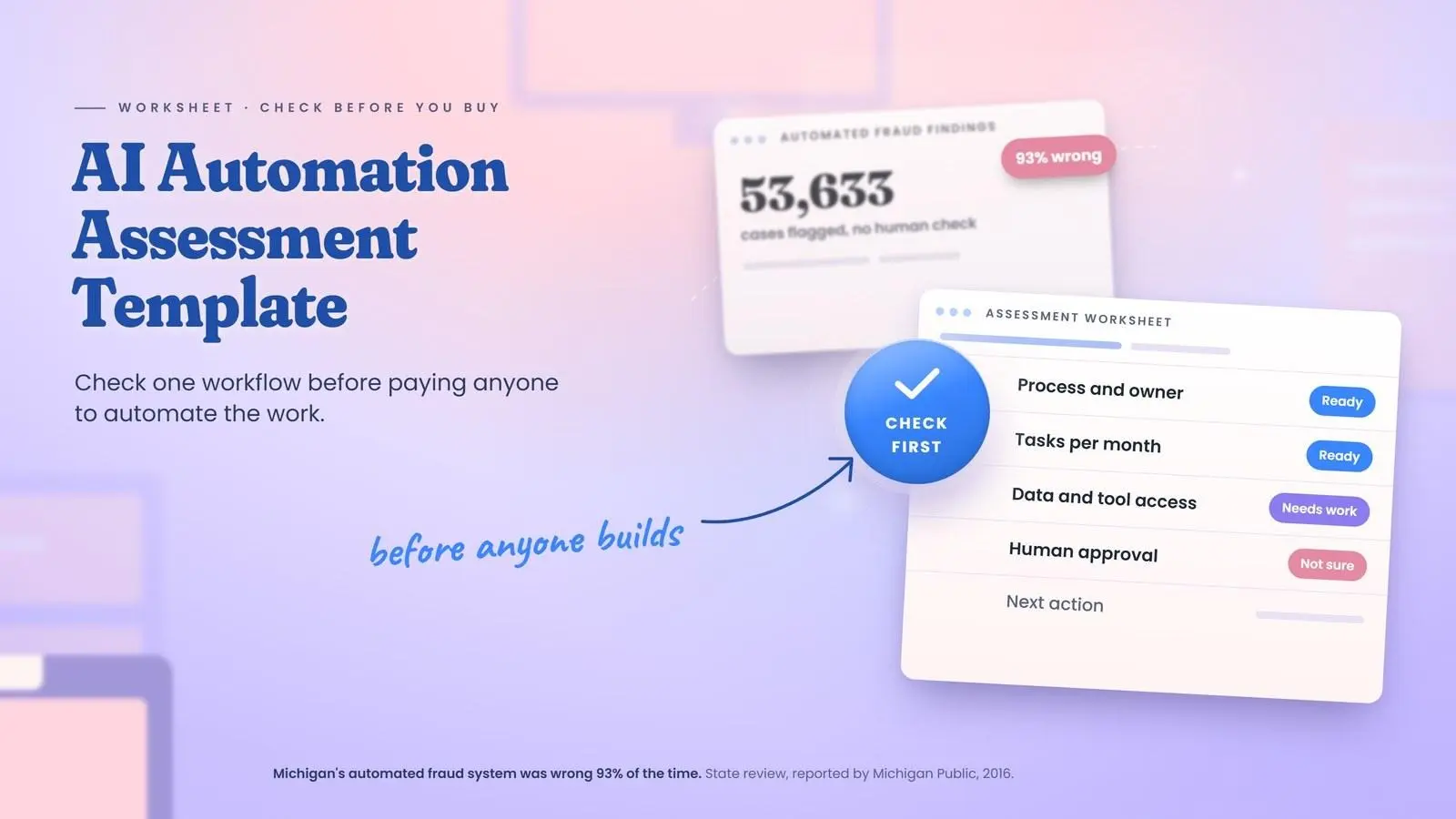
Mark any step involving money, promises to customers, records, or legal weight. Michigan's fraud findings show the cost of skipping human review. Unsure cases at each marked step go to a human handoff instead of a guess.
Does the Workflow Need AI or Ordinary Automation?
Plenty of workflows need no AI at all. Ordinary, rule-based automation handles fixed-format inputs under unchanging rules. AI helps instead when a step must read varied text or judge content. The table compares the two approaches row by row.

|
What to Check |
Ordinary Automation |
AI |
|---|---|---|
|
Input |
Forms and fixed file formats |
Free-text emails and scans |
|
Rules |
Written once, applied the same way |
Written in plain language, applied with judgment |
|
Exceptions |
Rare, sent to a person |
Common, sorted by meaning |
|
Example Step |
Copy an order total into a sheet |
Sort an email by request type |
|
What a Person Checks |
Failed runs |
Low-confidence answers |
Simple, rule-based steps suit no-code automation in Zapier, Make, n8n, or Power Automate.
Apps lacking direct integrations may need RPA bots instead, though robotic process automation fits only some manual tasks.
Step 4: Flag Problems Before Anyone Builds
A Real Example: Entering Purchase Requests at GSA
The US General Services Administration published a measured case from its Heartland Acquisition Center. Staff once typed each requisition by hand, so worker numbers capped the volume. On January 28, 2022, the center moved requisition entry to a bot. This case is rule-based automation, not AI, so it shows the ordinary side of the comparison above. The worksheet below uses only published facts.

Over about four months, the bot processed 11,531 requisitions and saved 15 minutes on each, as GSA reported.
|
Field |
Answer From the Public Record |
Rating |
|---|---|---|
|
Process Name and Responsible Person |
Requisition entry, no named owner |
Needs work |
|
Tasks per Week or Month |
11,531 from January 29 to May 20, 2022 |
Ready |
|
Time Spent on Each Task |
15 minutes per requisition |
Ready |
|
Common Mistakes and Exceptions |
Not published |
Not sure |
|
Tools and Data Needed |
Not published |
Not sure |
|
Expected Benefit |
2,883 hours, $350,758 estimated labor cost avoided |
Ready |
|
Steps Requiring Human Approval |
None described |
Not sure |
|
Missing Information or Problems |
Exception rate and review steps |
Needs work |
|
Recommended Next Action |
Record a baseline, then check hours saved |
Needs work |
The benefit row follows the Step 3 math, since 11,531 tasks at 15 minutes each is about 2,883 hours. This volume made requisition entry worth automating. People should still check exceptions and order accuracy. Steps with contract weight need human review.
In November 2023, a GSA Inspector General audit of GSA's RPA program called the claimed hours saved "inaccurate and unreliable." Auditors found GSA wasn't verifying hours with bot users. The audit covered the whole program, not this bot. Still, record a baseline before launch and check results after.
Step 5: Decide the Next Step
The worksheet points to four outcomes. Talk to an AI automation consulting provider when most answers read Ready and every blocker has an owner. Many exceptions call for a smaller start, while several Not sure answers mean filling gaps first. Wait if volume is low or the process will soon change.

When the worksheet can't settle which process comes first, AI strategy work sets priorities across use cases.
How AI Automation Services Use Your Assessment
The AI Automation Assessment Template to Copy
When an Assessment Is Overkill
Final Verdict
Book a Free 30-Minute Meeting
Discover how our services can support your goals — no strings attached. Schedule your free 30-minute consultation today and let's explore the possibilities.
Book a Free Call