

Introduction
Most enterprise AI pilots never reach production. MIT’s Project NANDA studied more than 300 public deployments and reported 95% of generative AI pilots produced no measurable return. However, in the same period, Stanford’s 2025 AI Index found 78% of organizations now use AI in at least one business function. The AI models work. The problem is connecting them to the systems where the work actually happens.
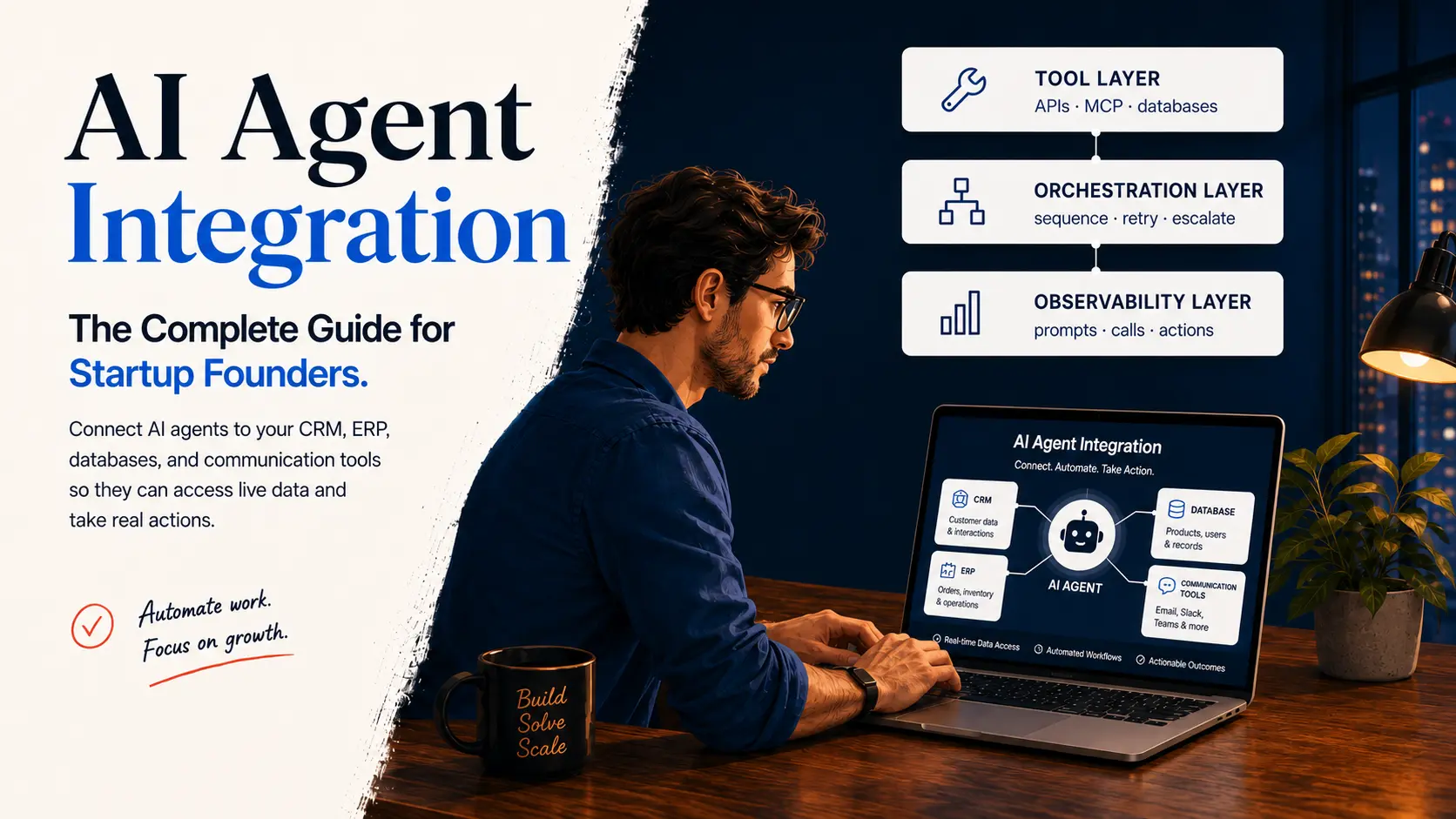
So, why do some agents stall while others ship? The answer is integration. AI agent integration connects AI agents to your CRM, ERP, databases, and communication tools so they can read live data and take real actions. Without these connections, an agent can only describe work instead of doing it.
This article explains what AI agent integration is, how the architecture works, and how to plan an implementation that holds up in production. It also covers real use cases, the mistakes that stall projects, and a checklist you can copy.
What is AI Agent Integration?
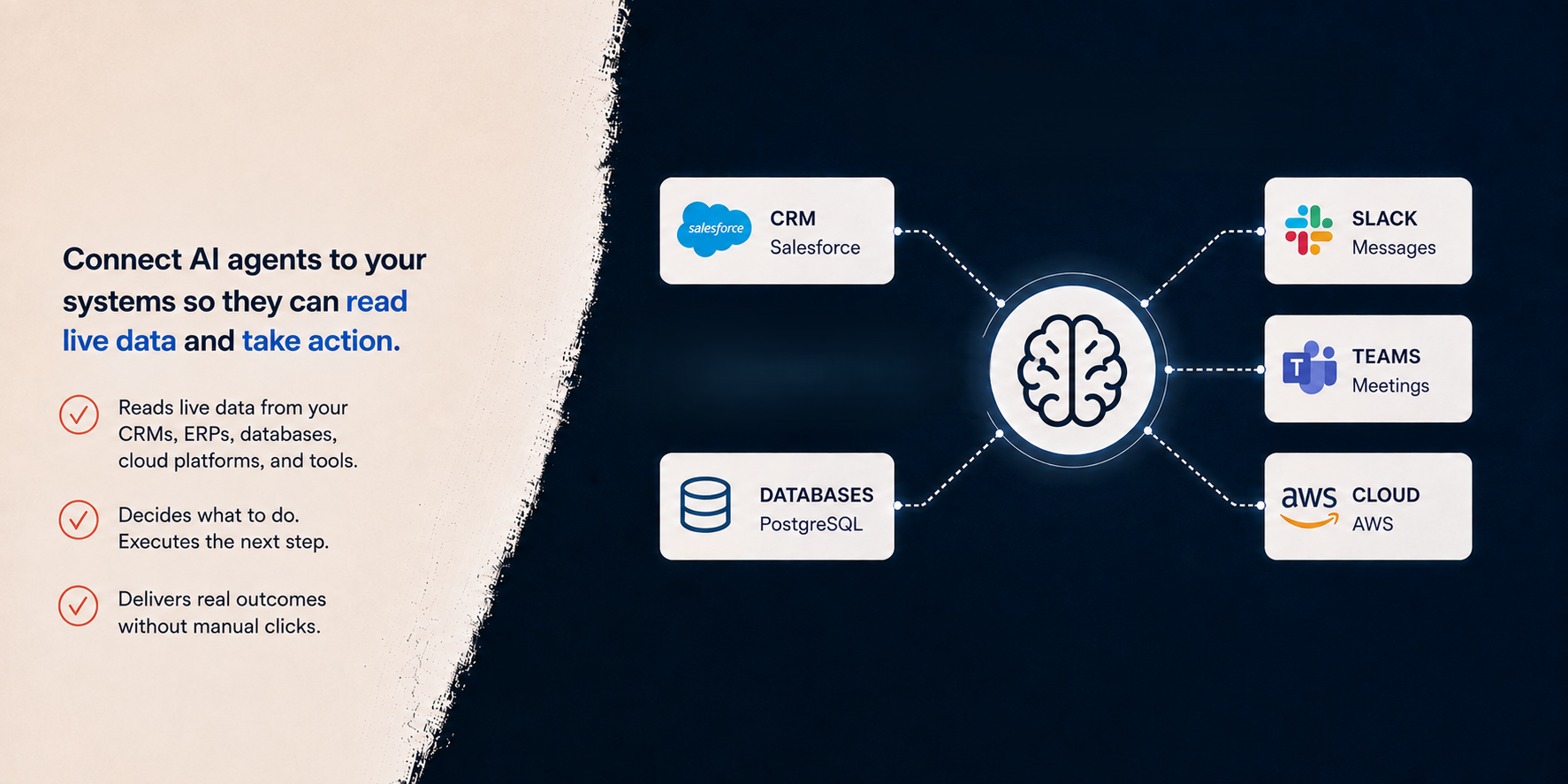
AI agent integration is the process of connecting AI agents to the systems your business already uses. This allows the agents to read live data and take actually useful actions. The systems involved are familiar CRMs, ERPs, databases, cloud platforms, and communication tools, like Slack or Microsoft Teams.
An AI agent differs from a chatbot in one defined way. A chatbot answers questions from what it was trained on or what you paste into it. An agent pursues a goal. It decides which systems to check, pulls what it needs, and executes the next step without a person driving every click. This behavior is what vendors mean by “agentic AI.”
Integration makes this behavior possible. An agent with no connections can only talk. Picture a distributor whose support reps answer “where is my order?” 200 times a day, checking Salesforce, NetSuite, and a carrier portal at four minutes per ticket. A connected agent handles this lookup in one pass, and the company reps get precious hours of their day back. The model supplies the reasoning while the connections take care of the value.
How Do AI Agents Connect to Business Systems?
AI agents connect to business systems through four main routes, native APIs, direct database access, communication platforms, and the Model Context Protocol. Each route suits a different kind of task, so most production setups use two or three of them together.
Native APIs
APIs are the workhorse for these systems. Most modern platforms, including Salesforce, HubSpot, SAP, and NetSuite, expose REST APIs that an agent can call to read records or trigger actions. If your team has done API integration work before, the mechanics are familiar. Authentication still runs through OAuth or API keys, rate limits still apply, and payloads still arrive as JSON.
The new part is the agent, not a fixed script, who decides which call to make. A traditional integration runs the same sequence every time, while an agent reads the request, picks the endpoint, and fills in the parameters on its own. This flexibility is why agent-facing API design now matters as much as the API itself.
Direct Database and Warehouse Access
Databases and warehouses handle the analytical work. Agents that answer questions, like "which accounts churned last quarter", usually query a warehouse, such as Snowflake or BigQuery, rather than production systems. This design keeps the load off transactional databases and gives the agent a single, governed source of truth.
It also makes access control simpler, since the warehouse already has role-based permissions and query logs that security teams can review. Read-only credentials are the norm here, so a poor query wastes compute at worst and never corrupts live records.
Communication Platforms
For communication tools, agents plug into Slack, Teams, and email through the same interfaces existing bots use. Slack has its Bolt framework, Teams has its bot framework, and email works through standard SMTP and IMAP. Hence, none of this requires new infrastructure.
This approach puts the agent where people already work instead of adding another dashboard. An employee can ask a question in a Slack channel and get an answer drawn from the CRM or the warehouse without opening either system. Adoption tends to be higher for this reason, because nobody has to learn a new tool to use the agent.
The Model Context Protocol (MCP)
The newest route is the Model Context Protocol (more commonly known as MCP). Anthropic released MCP in November 2024 as an open standard, a shared way for AI models to discover and call external tools. OpenAI adopted it in March 2025, and Google and Microsoft followed the same year.
Before MCP, every agent-to-system connection was custom code. This meant a team supporting three models and five systems maintained 15 separate connectors. Now, many platforms expose MCP servers that any compliant agent can use.
MCP doesn't remove the work of authentication, permissions, and error handling. However, it spares teams from rebuilding connectors for every model. The practical question for most teams is no longer whether to use MCP but which of their systems already offer a server for it.
AI Agent Integration Architecture: The Four Layers
A production AI agent integration has four layers, and skipping any of them can lead to an outage or a security issue.
Model Layer
The model layer is the reasoning engine. It is a large language model from OpenAI, Anthropic, Google, or an open-weight alternative that decides what to do next.
Tool Layer
The tool layer holds the connections, API clients, MCP servers, and database interfaces that let the model read and write. Each tool carries its own credentials, scoped to the minimum access the agent needs for its job.
Orchestration Layer
The orchestration layer manages the run. It sequences tool calls, retries failures, enforces timeouts, and routes anything ambiguous to a human. Frameworks, like LangChain and managed cloud services, handle this layer, or teams build it themselves.
Observability Layer
The observability layer records everything: every prompt, every tool call, and every action taken. It also stores enough detail to answer “why did the agent do that?” six months later. Regulated industries treat this layer as mandatory.
The Hidden Pillar
A fifth dependency sits under the four layers and decides whether they matter: your data. An agent reasoning over stale or duplicated records produces confident, wrong answers. Reliable data pipelines and a governed data warehouse do more for agent accuracy than any prompt tweak.
Traditional Integration vs AI Agent Integration
Traditional integrations move data between systems according to fixed rules. In contrast, AI agent integrations add software that can decide what to do with the data at runtime. The distributor’s order-status workflow shows the difference clearly.
The Same Workflow, Built the Traditional Way
The traditional system updates the CRM with order and shipping information overnight. Sales reps still have to switch between two systems because the integration only moves the data without helping them understand or act on it.
If something unusual happens, such as a split shipment or a changed delivery address, someone has to handle it manually. If the ERP system changes its data structure, the sync stops working until a developer fixes it.
The Same Workflow with an Integrated AI Agent
An integrated agent gets the customer’s question and checks the CRM, ERP, and shipping system right away. It then prepares a reply for the sales rep to review and approve.
If an order is split into two shipments, the agent can recognize the two tracking numbers and explain both to the customer.
The APIs, login security, and error handling still had to be built. The difference is that a developer did not have to program every possible step in advance.
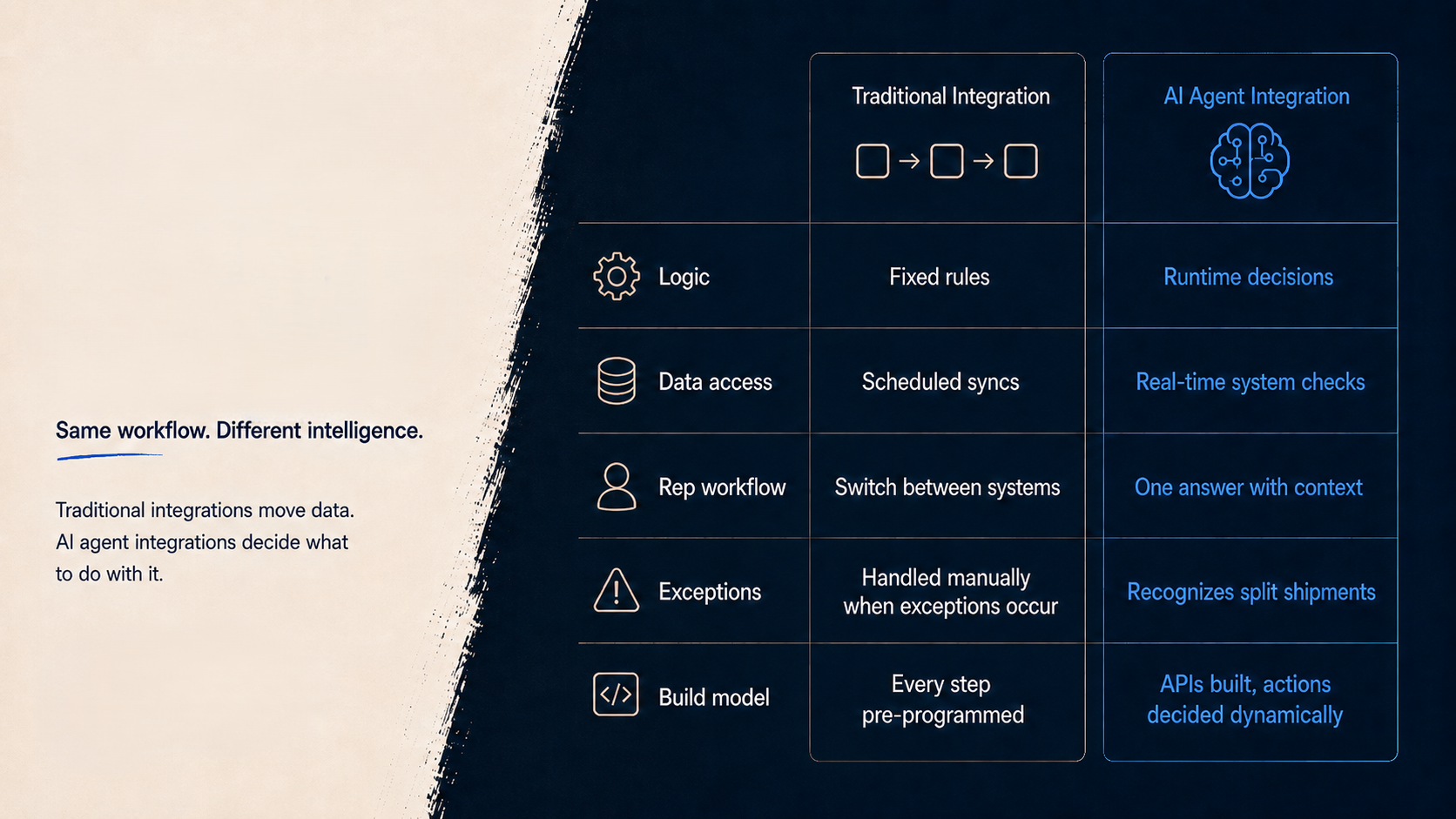
The table below generalizes the same difference.
|
|
Traditional Integration |
AI Agent Integration |
|
Trigger |
A schedule or a predefined event |
A business goal or a natural-language request |
|
Logic |
Fixed workflows defined by developers in advance |
Reasoning at runtime that adapts to context |
|
Inputs |
Structured data only |
Structured and unstructured data, including emails, PDFs, and chat |
|
Exceptions |
Fail, queue, or page a human |
The agent adapts or escalates with full context |
|
Maintenance |
Breaks when a system or schema changes |
More tolerant of change, though it still needs governance |
|
Scope |
Point-to-point data movement |
Cross-system orchestration and action |
The two are complements, not rivals. Agents sit on top of the same APIs and data integration pipelines that traditional projects built. If your existing integrations are fragile, an agent inherits the fragility and adds a probabilistic model on top.
What Are the Benefits, and What Are the Trade-Offs?
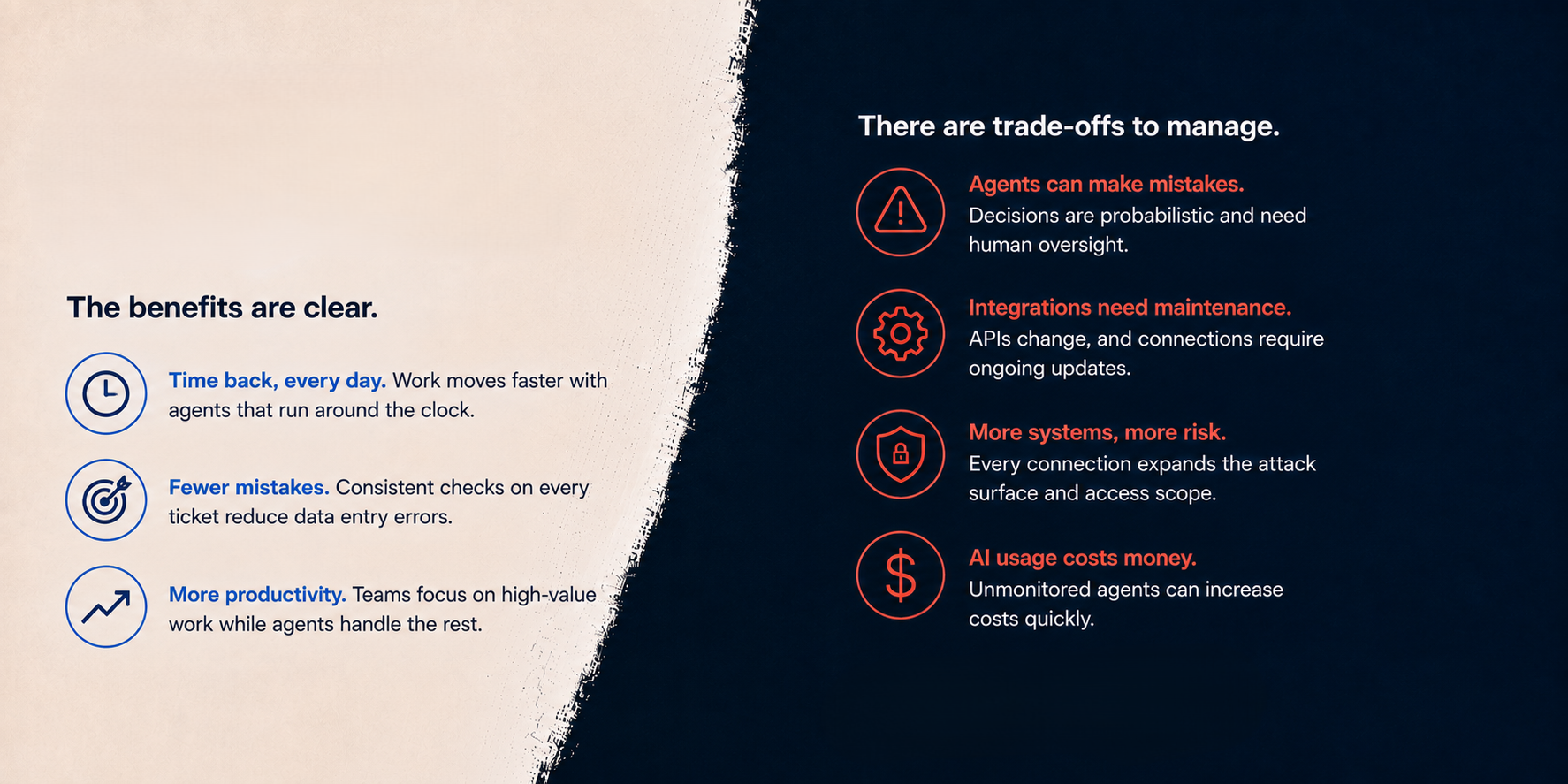
The benefits are clear. The distributor gets time back every day, and work moves faster because the agent can run around the clock. Automation also reduces data entry mistakes. The agent can apply the same checks to every ticket, so the team does not have to rely on one person’s experience.
There are also some trade-offs. Agents can make mistakes because they do not always make the same decision. Integrations need maintenance when APIs change, and connecting more systems creates more security risks. AI usage also costs money, so an agent that runs without monitoring can increase costs quickly. These challenges can be managed, but each one needs someone responsible for it.
How to Implement AI Agent Integration in Six Steps?
AI agent implementation works best as a narrow, staged rollout rather than a company-wide program. The following six steps cover what you need to set things up.
Step 1: Pick One Workflow with a Measurable Cost
The distributor's order-status workflow is ideal because it's high volume, low judgment, and has a clear baseline to beat. This combination makes it a strong test case. Make sure to avoid workflows where a wrong action is expensive or hard to reverse. If nothing on your list clearly qualifies, a short AI strategy engagement costs far less than a pilot built on the wrong workflow.
Step 2: Audit the Data and the Access
Before any build starts, list every system the workflow touches. For the order-status example, we will include the ERP, the carrier APIs, and the helpdesk. For each one, note who owns it, what the rate limits are, and whether the data is current. This is important because the agent will repeat whatever staleness it finds.
Checking the access to each source is also critical since getting credentials approved often takes longer than the integration itself. Most deployment delays trace back to skipping this step.
Step 3: Choose the Build Approach
With the systems mapped, pick the platform that sits closest to them. The major clouds all offer managed options. For example, you can use Amazon Bedrock AgentCore on AWS and Microsoft Copilot Studio for the Microsoft stack. Similarly, Google Cloud offers Vertex AI Agent Builder (now the Gemini Enterprise Agent Platform), while OpenAI's Agents SDK suits teams building their own. Managed platforms trade flexibility for speed, and custom builds trade speed for control.
Step 4: Build Read-Only First
Whatever platform you pick, start with read-only access. Let the agent look up information and draft responses, but keep a human responsible for sending them.
In the order-status example, the agent reads from the ERP and drafts the reply while the human reviews and sends it. This gives you a safe way to measure how often the human has to rewrite the draft. Once the rewrite rate stays low for two or three weeks, start granting write access one action at a time.
Step 5: Add Write Actions Behind Human Approval
Write access still doesn't mean full autonomy. The agent can draft the refund, update, or email, but a person must approve it before anything is executed. The approval step prevents bad actions and creates a log of every decision. Review that log weekly and gradually loosen approvals by action. Only remove approval when the agent is making the right choice consistently, at a level you'd expect from a new hire.
Step 6: Deploy, Measure, and Expand
Full deployment is where the Step 1 baseline pays off. Compare the agent's performance against the baseline you established, then publish the results internally.
The next workflow gets funded based on the first one's results, so the evidence needs to be visible. Once you've proven the value, move to the next workflow and run it through the same six steps.
Selection Benchmark: Experienced AI agent development teams treat each workflow as its own project with its own metric.
AI Agent Integration Use Cases Across Industries
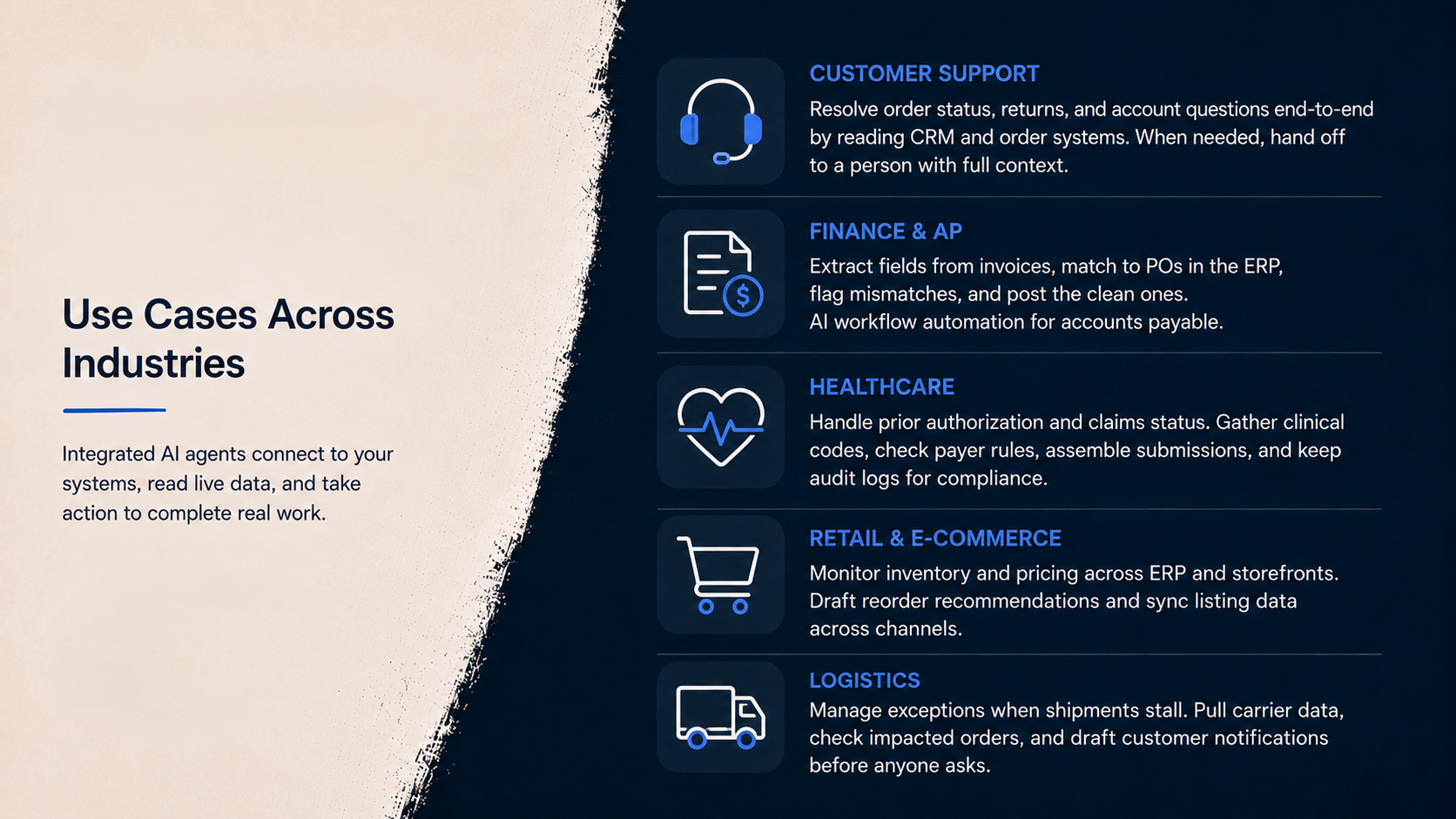
Customer support is the most proven use case. Integrated agents resolve order status, returns, and account questions end-to-end by reading the CRM and order systems. When a question exceeds their scope, they hand it off to a person with full context.
Finance teams use agents for invoice processing. The agent extracts fields from a PDF invoice, matches it against the purchase order in the ERP, flags mismatches, and posts the clean ones. This lets finance teams automate much of the routine work that accounts payable staff used to do manually.
Healthcare organizations apply agents to prior authorization and claims status. The agent gathers clinical codes, checks payer rules, and assembles the submission, while a clinician signs off. Strict audit logging makes this workable in a regulated setting.
Retail and e-commerce operators point agents at inventory and pricing. An agent watches stock levels across the ERP and the storefront, drafts reorder recommendations, and syncs listing data between channels.
Logistics teams use agents for exception management. When a shipment stalls, the agent pulls carrier data, checks the affected orders, and drafts customer notifications before anyone asks. Teams that already run business process automation often start here, because the workflows are already mapped.
Common AI Agent Integration Mistakes
These five mistakes account for most failed projects.
Starting too wide: A do-everything enterprise assistant demos well and never ships. Pick one workflow and one metric at a time and expand gradually.
Skipping data quality: Agents amplify whatever the data says. For example, duplicate customer records become duplicate refunds.
Deploying without observability: When an agent misbehaves and there are no logs, the only fix is turning it off. Logging costs less before launch than after an incident.
Letting agents sprawl: Different departments buy different agent tools, each with its own credentials and no shared governance. A year later, security asks who approved any of it. A central AI integration approach prevents chaos before it starts.
Treating go-live as the finish line: Models get updated, APIs change, and prompts drift. So, agents need owners, monitoring, and a maintenance budget like any other production system.
Best Practices and an Implementation Checklist
The practices that separate durable deployments from stalled ones are boring on purpose. MIT's GenAI Divide report found that 95% of enterprise AI pilots delivered no measurable P&L impact. The lead author also explained why the 5% of them that actually worked tell you the whole playbook. They pick one pain point and execute well.
Google Cloud's ROI of AI study points the same direction from the success side. It says 74% of executives reporting first-year ROI got there through narrow production deployments, not broad pilots. So start narrow, ground the agent in governed data, and keep humans on every irreversible action.
Use this checklist before your first AI agent deployment:
- One target workflow selected, with a clear reason it was chosen
- Every system in the workflow inventoried, with API access confirmed
- Data sources checked for freshness and duplicates
- Dedicated service accounts created with least-privilege scopes
- A read-only phase planned before any write access
- Human approval gates defined for payments, deletions, and external messages
- Full logging of prompts, tool calls, and actions in place
Getting Started with AI Agent Integration
The fastest path for these integrations is always the narrow one and here’s how it goes.
Pick the workflow, record the baseline, and run the best practices checklist before making any decision. Most of the effort sits in data and integration engineering rather than in the model. Therefore, plan the project around your systems, not around a demo.
Some teams build that capability in-house, and the steps above are enough to start. If you’d rather have experienced hands on the data side, We build the pipelines, warehouses, and API connections that production agents depend on. You can book a free consultation and we’ll walk through your systems and suggest where to begin.
Book a Free 30-Minute Meeting
Discover how our services can support your goals — no strings attached. Schedule your free 30-minute consultation today and let's explore the possibilities.
Book a Free Call