Automating Shopify Order-to-Artwork Fulfillment for Lovey Prints

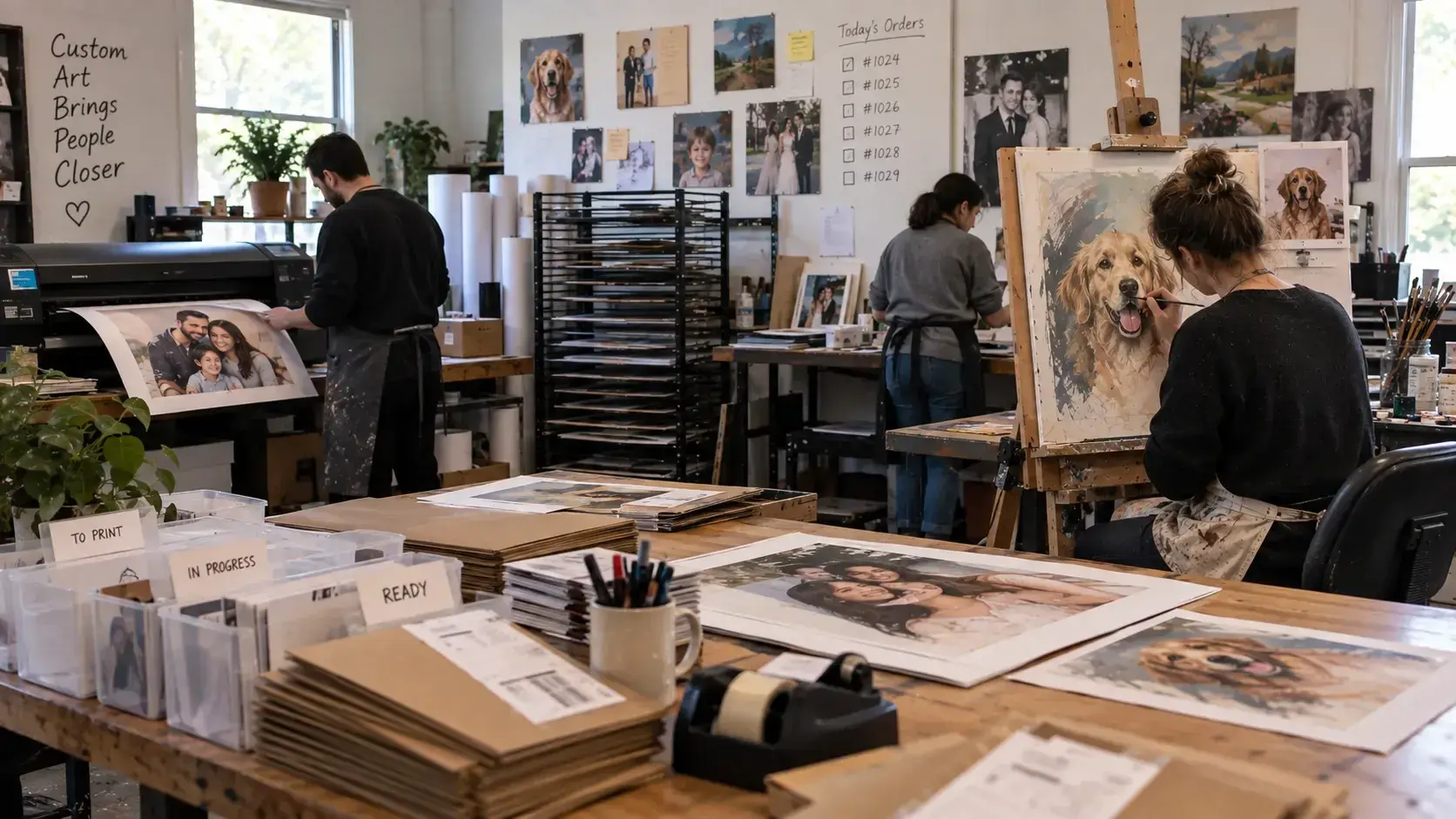
Personalized artwork studio processing custom portrait orders from painting through printing and fulfillment

Overview

Lovey Prints

Lovey Prints

Personalized Art & Printing

Challenge

Customer orders require repeated coordination between Shopify, artists, Google Drive, and email. Manual file handling and customer matching slowed the process, and it took several days for the requests to be fulfilled.

Solution

Created an automated fulfillment workflow that moved customer images from Shopify into production, tracked completed artwork, and returned digital proofs to the correct customers.

PythonShopifyGoogle DriveOauthCron Jobs
Systems Connected

3

Connected Shopify, Google Drive, and email into one workflow for managing orders, artwork production, and customer proof delivery.

Automated workflow monitoring

5–10 minutes

New Shopify orders were checked every five minutes, while completed artwork was monitored every ten minutes for customer delivery.

Manual effort reduction

Up to 92%

Automation reduced the staff handling required for routine order processing, file transfers, customer matching, and proof delivery.

Client

Lovey Prints creates personalized artwork from customer photos, including custom portraits designed around special occasions, pets, couples, families, and other personal memories. Customers upload a photo and get a digital artwork, which they can check and confirm, before the final piece is produced.  

The business depends on a close handoff between online orders and the artists preparing each portrait. Customer images, order details, artwork production, revisions, and final approval all need to remain connected throughout the process. 

As order activity grew, the fulfillment workflow needed a more reliable way to move images through production while preserving the relationship between the artwork and its original Shopify order.

Challenge

Every personalized order created several operational steps before the artwork could be sent to the customer for approval. 

Staff had to monitor Shopify for new orders, download uploaded photos, identify the correct production queue, organize files for artists, and later match finished artwork back to the correct customer. The process relied heavily on repeated file handling and manual lookups.  

The workflow became more complex because some customers purchased an image-resolution service that required different handling. Completed files also needed a reliable identifier, so artwork was never sent to the wrong customer.  

Key Issues 

  • New Shopify orders require repeated manual monitoring and image downloads.  
  • Customer images needed to reach the correct artist or resolution-improvement queue.  
  • Finished artwork had to remain linked to the original Shopify order and customer.  
  • Invalid or incorrectly named files could not be processed safely without human review.  
  • The workflow needed frequent execution without requiring a complex operations platform.

Solution

A lightweight Python automation pipeline was developed around the tools already used by Lovey Prints. 

Shopify served as the source for orders and customer information while Google Drive continued to act as the artists' production workspace. All the customer communication was handled via email to offer a hassle-free experience. The automation was designed to connect these systems, without replacing the team's existing working environment.  

Automated Order Intake 

A scheduled Python job checked Shopify for newly created orders. The workflow retrieved order identifiers, customer information, purchased items, and uploaded image URLs. Customer photos were then prepared for the appropriate production path.  

Order-Based Artwork Tracking 

Uploaded images were renamed using the Shopify order ID, line-item position, and display order number. This naming convention created a persistent connection between the customer order and its artwork without introducing a separate tracking database.  

Service-Based Production Routing 

The automation inspected each order for the image-resolution upgrade service. Standard artwork entered the normal production folder, while images requiring resolution improvement were automatically sent to a separate Google Drive queue.  

Automated Customer Proof Delivery 

When completed artwork appeared in the Finished Art folder, the workflow extracted the Shopify order ID from the filename. It then retrieved the matching customer information, downloaded the finished proof, and sent the image to the customer by email for approval.  

Exception Handling & Monitoring 

Files that could not be safely matched were moved into a dedicated Manual Sending folder rather than being processed automatically. Logging captured uploads, file movements, sent emails, skipped items, and exceptions so operational problems could be reviewed separately from normal fulfillment.  

Key Deliverables 

  • Built automated Shopify order intake and customer-image retrieval.  
  • Created Google Drive routing for standard artwork and resolution improvement orders.  
  • Implemented order-based file naming for reliable cross-system artwork tracking.  
  • Automated finished-proof matching and customer email delivery.  
  • Added manual review routing, scheduled execution, and operational logging for exceptions.
Tools Used

  • Python
  • Shopify
  • Google Drive
  • Oauth
  • Cron Jobs

Results

Better Production Visibility 

Internal order notifications gave the production team searchable details for newly processed orders, making it easier to identify incoming work and related customer information.  

Fewer Order-to-Customer Matching Risks 

The workflow maintained a reliable connection between artwork and Shopify order information throughout production. This reduced dependence on staff remembering or manually reconstructing customer relationships. 

Continued Processing Around Exceptions 

Files that could not be matched safely were separated from normal processing. Valid artwork could continue through the workflow without being delayed by items requiring manual attention.  

Cleaner File Handling 

Temporary artwork files were removed after processing to prevent completed proofs from unnecessarily accumulating the automation host.  

Impact

Built a scalable fulfillment foundation for personalized artwork production

Business Impact 

  • Supported growing order volumes without requiring the same growth in routine coordination work.  
  • Allowed artists to continue working within their existing Google Drive production environment.  
  • Made additional service options easier to manage within the same fulfillment process.  
  • Reduced operational risk around personalized orders where each artwork must reach the correct customer.  
  • Offered a more consistent customer experience. 
Book Consultation